In order to enhance the user experience when using public railway transport services, we offer an additional service: the option to subscribe to automatic notifications (via SMS) about events on the track and possible changes in train schedules for domestic routes. It is also possible to subscribe to the company’s e-newsletter. SMS notifications only work with a Slovenian phone number.
You can complete the subscription/registration on the Moj vlak (“My Train”) portal.
Brief instructions and description of functions
Registration and use of the portal
Registration
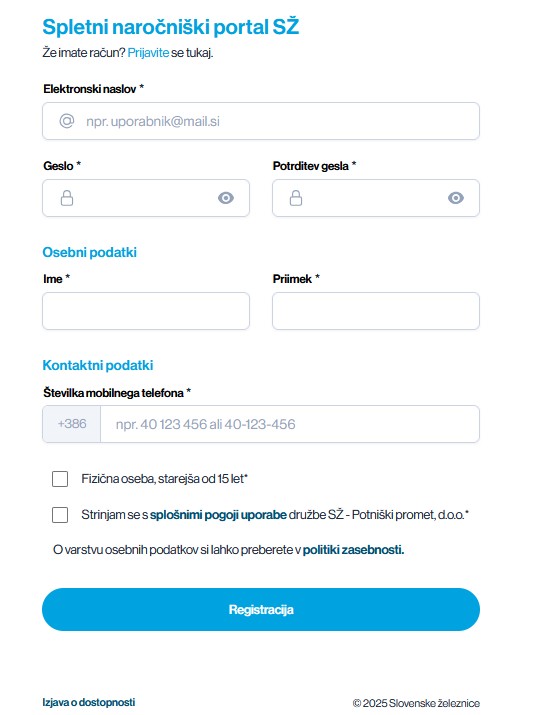
On the Moj vlak (“My Train”) subscription portal (potnik.sz.si), passengers can register and manage basic notification consents as well as enter their routes.
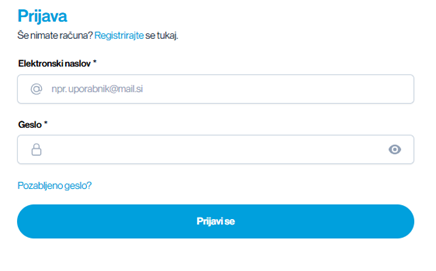
Registration is done via the link potnik.sz.si.
Entering routes
Upon successful registration, the page for entering routes will be displayed.
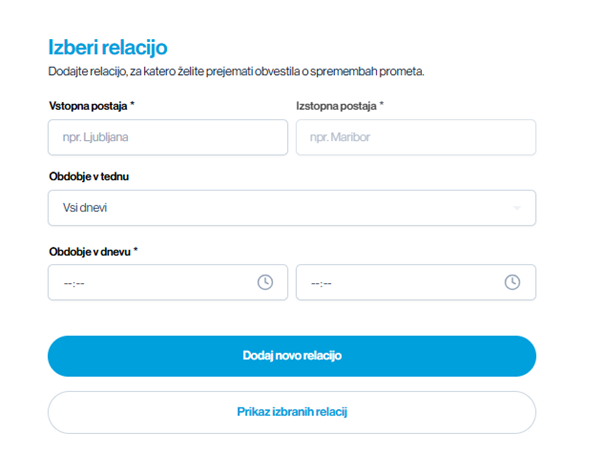
- Boarding Station: The passenger will be notified if the train is delayed before the selected boarding station and if the train stops at both the boarding and alighting stations.
- Alighting Station: This information is necessary for monitoring the route and any potential obstacles on the route, especially substitute transportation, which is communicated to the passenger if there is substitute transportation or an obstacle in traffic before their alighting station and if the train stops at the passenger’s boarding station. If the passenger wishes to be notified for travel in both directions, they must also enter the reverse route (e.g., Kamnik – Ljubljana and Ljubljana – Kamnik).
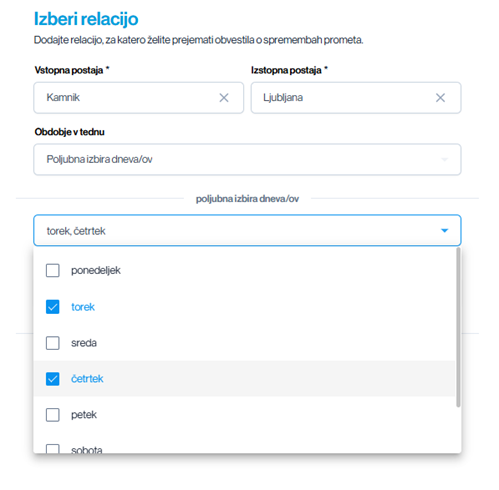
- Days of the week: Option for arbitrary selection based on the anticipated days of travel by train.
- Time of day: The time of day is an extremely important parameter that defines the period for which the passenger wants to receive information. If the passenger wants to be informed about the morning schedule for commuting to work/school, we do not recommend setting notifications for the entire day, as other notifications are not relevant outside the commuting period. A broadly defined period provides unnecessary information.
EXAMPLE: For a passenger who usually takes trains departing from Kamnik station at around 6:30, we would recommend selecting a time period from 6:00 to 7:00. For the return journey, for example from Ljubljana station using trains around 15:30, we would recommend selecting a time period from 15:00 to 16:00.
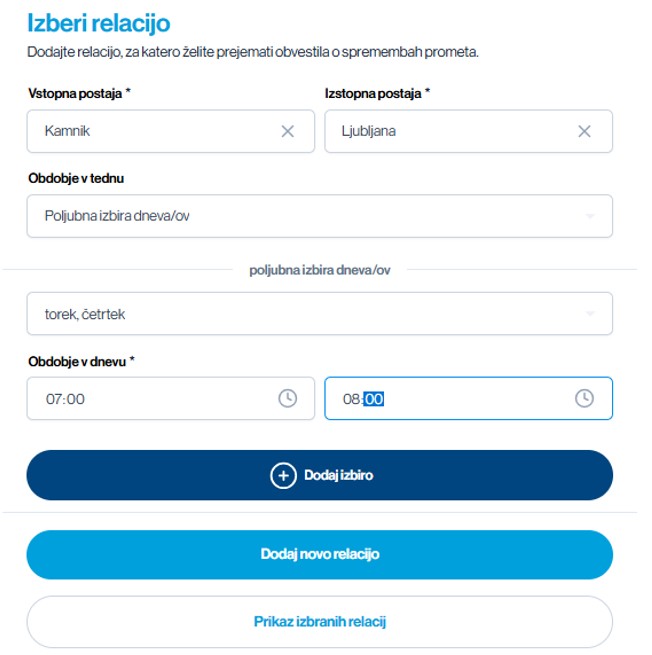
When the entry is completed, select ADD SELECTION and then ADD NEW ROUTE or later EDIT LOCATION.
Changes can be made directly in the routes using the following functions:

- Edit Location: Allows additional editing of the location, including all fields.
- Disable Notifications: This function temporarily disables notifications. Notifications can be re-enabled later. The purpose of this functionality is for periods such as sick leave, vacation, etc. (when the passenger knows they will not be traveling by train).
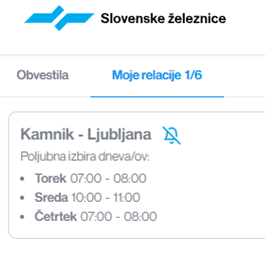
- Remove route: This function deletes the selected route, thereby permanently removing this selection for the passenger.
Account management
Account management is accessible in the following tabs:
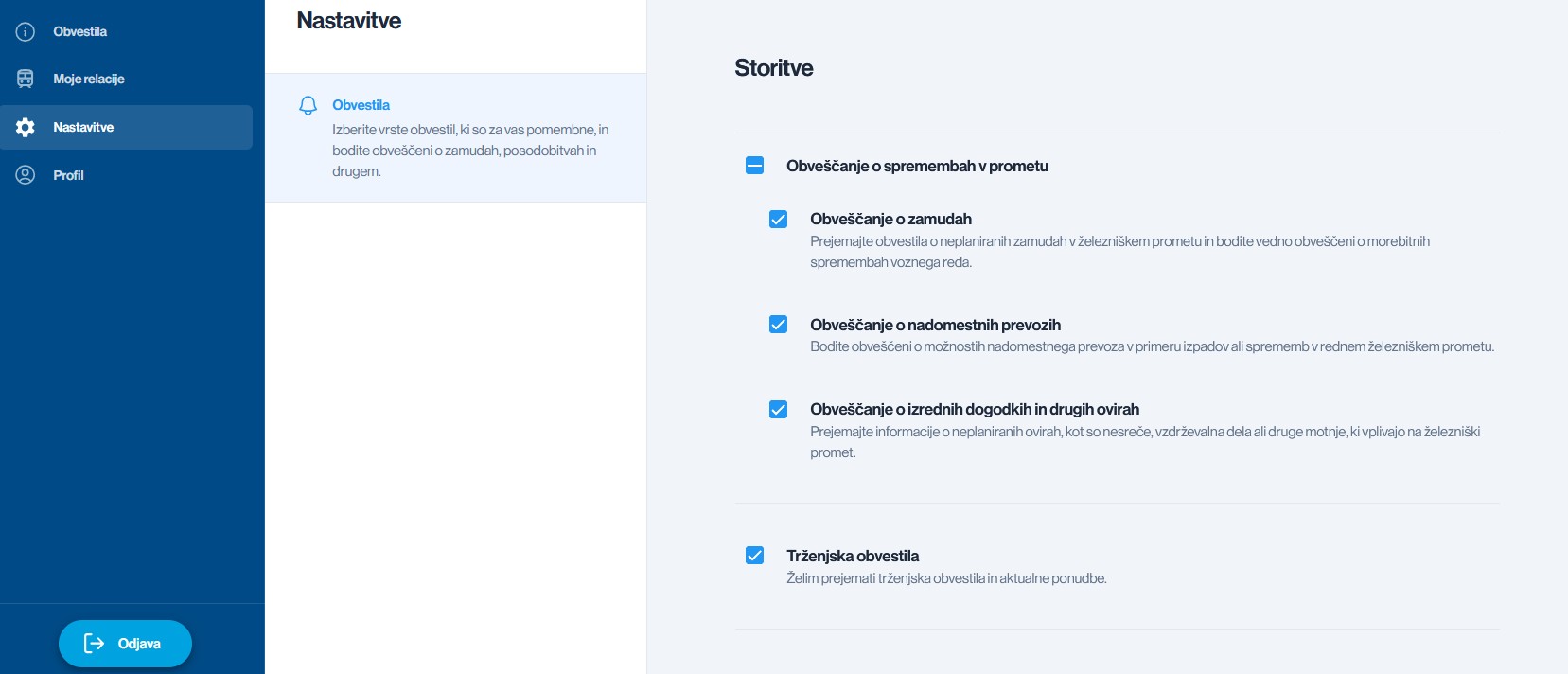
Settings are intended for deciding on the types of notifications to receive and managing marketing consent.
Notifications about changes in traffic are sent via SMS messages, while marketing notifications (e-newsletters, offers, etc.) are sent via e-mail.
General terms
Further information
- Visit a train station with a ticket office;
- Visit one of our InfoCentres at the train stations in Koper, Ljubljana, Celje, and Maribor;
- Call our toll-free number 080 81 11 (for calls made from Slovenia), or dial +386 1 29 13 331 (for calls made from abroad);
- Send an e-mail with your question to [email protected]i.